Avenor SWOT Analysis Standard Version (Single User)
DESCRIPTION:
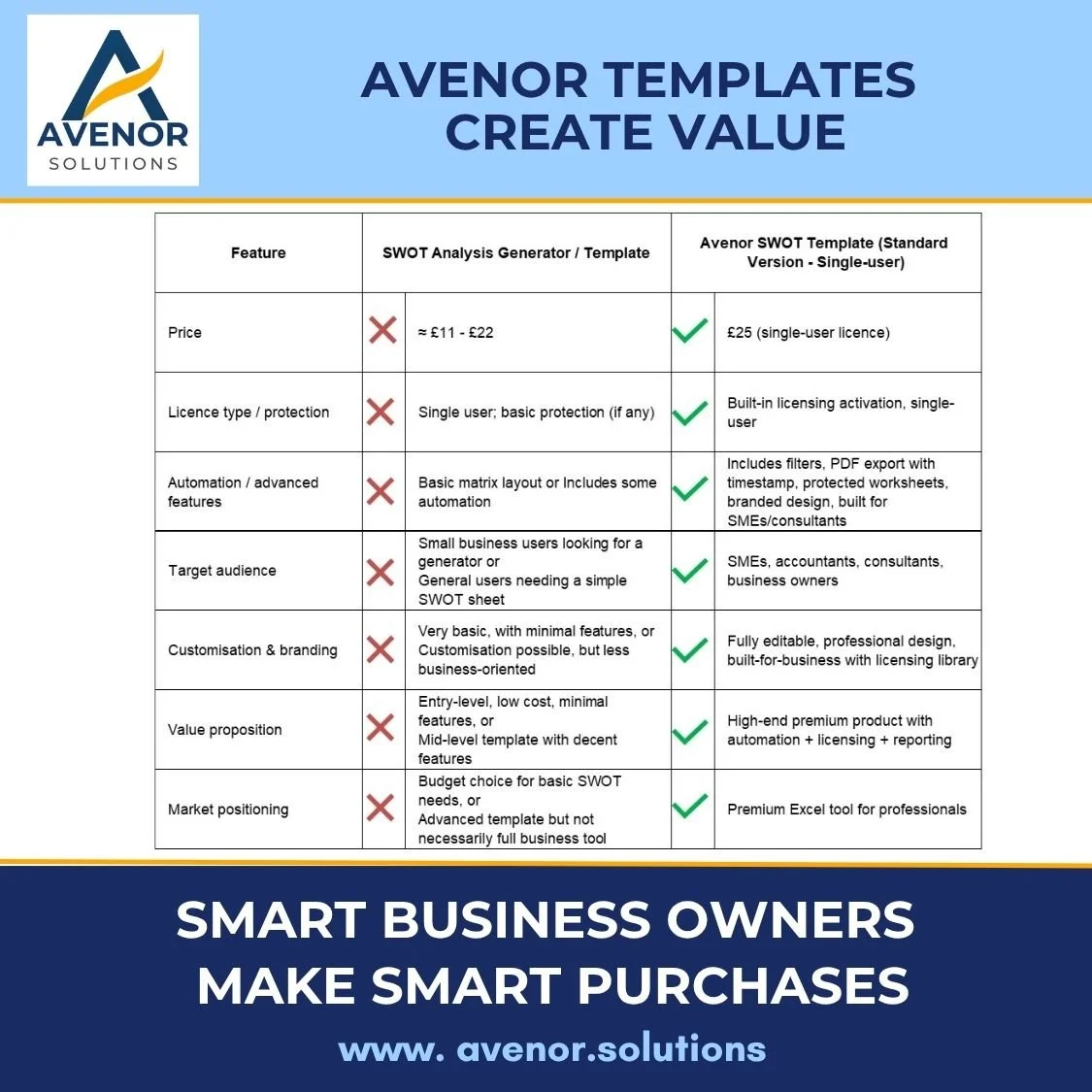
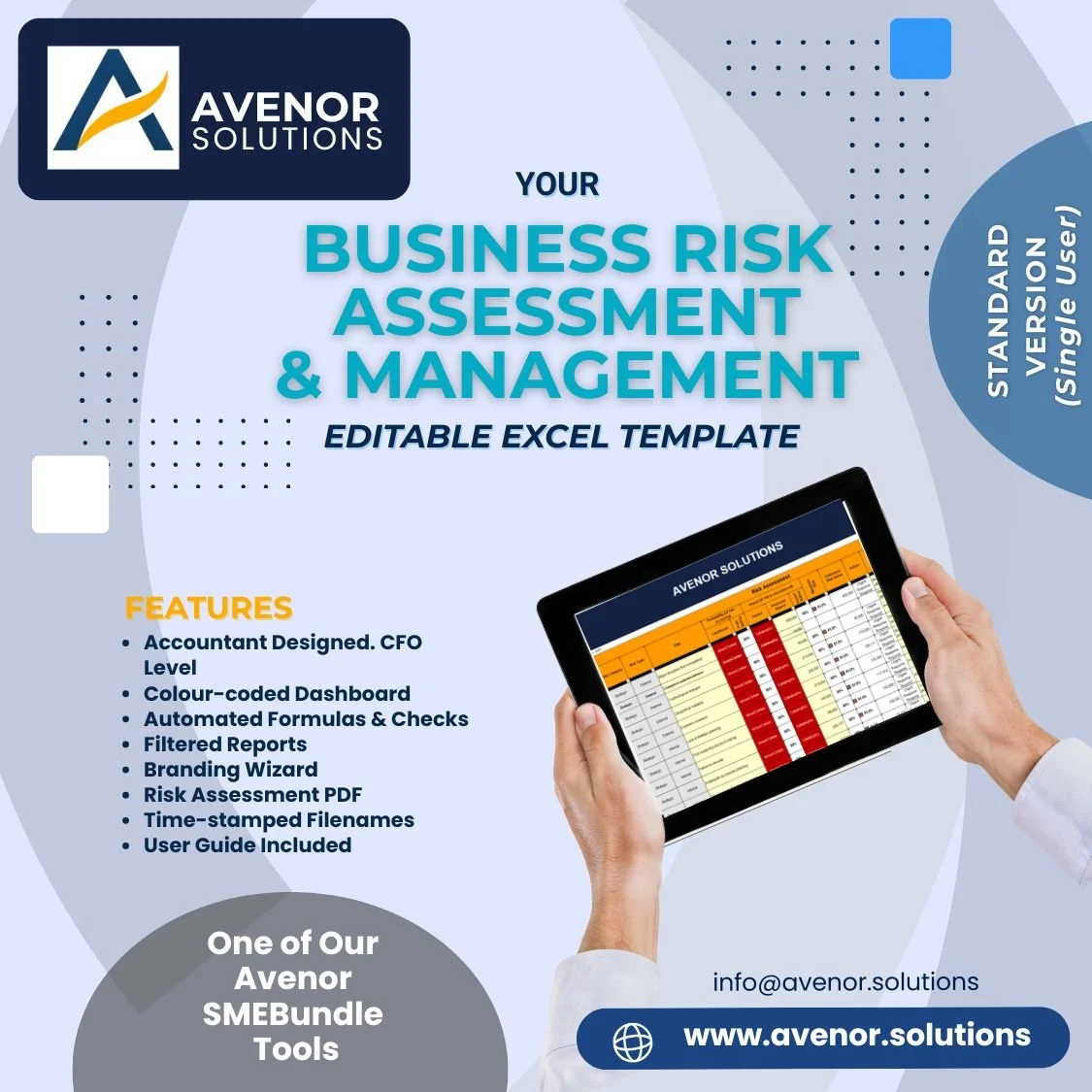
The Avenor SWOT Template - a professional tool that simplifies strategic planning for SMEs & consultants. Identify & prioritise Strengths, Weaknesses, Opportunities & Threats. Export a clear, time-stamped PDF report in one click. Built by a qualified accountant with 45+ years of experience, this tool is designed for clarity, efficiency, and SME success.
WHAT IT DOES:
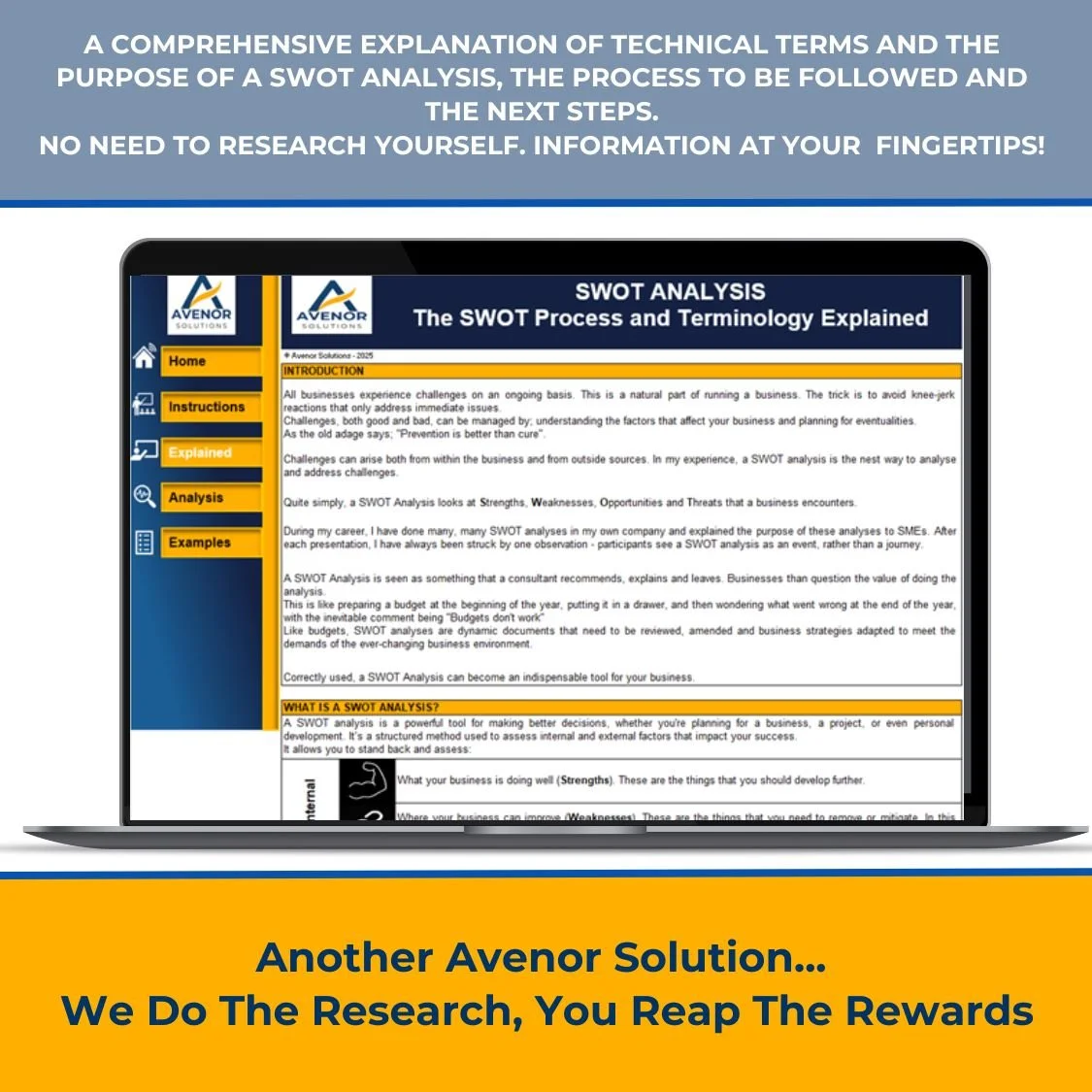
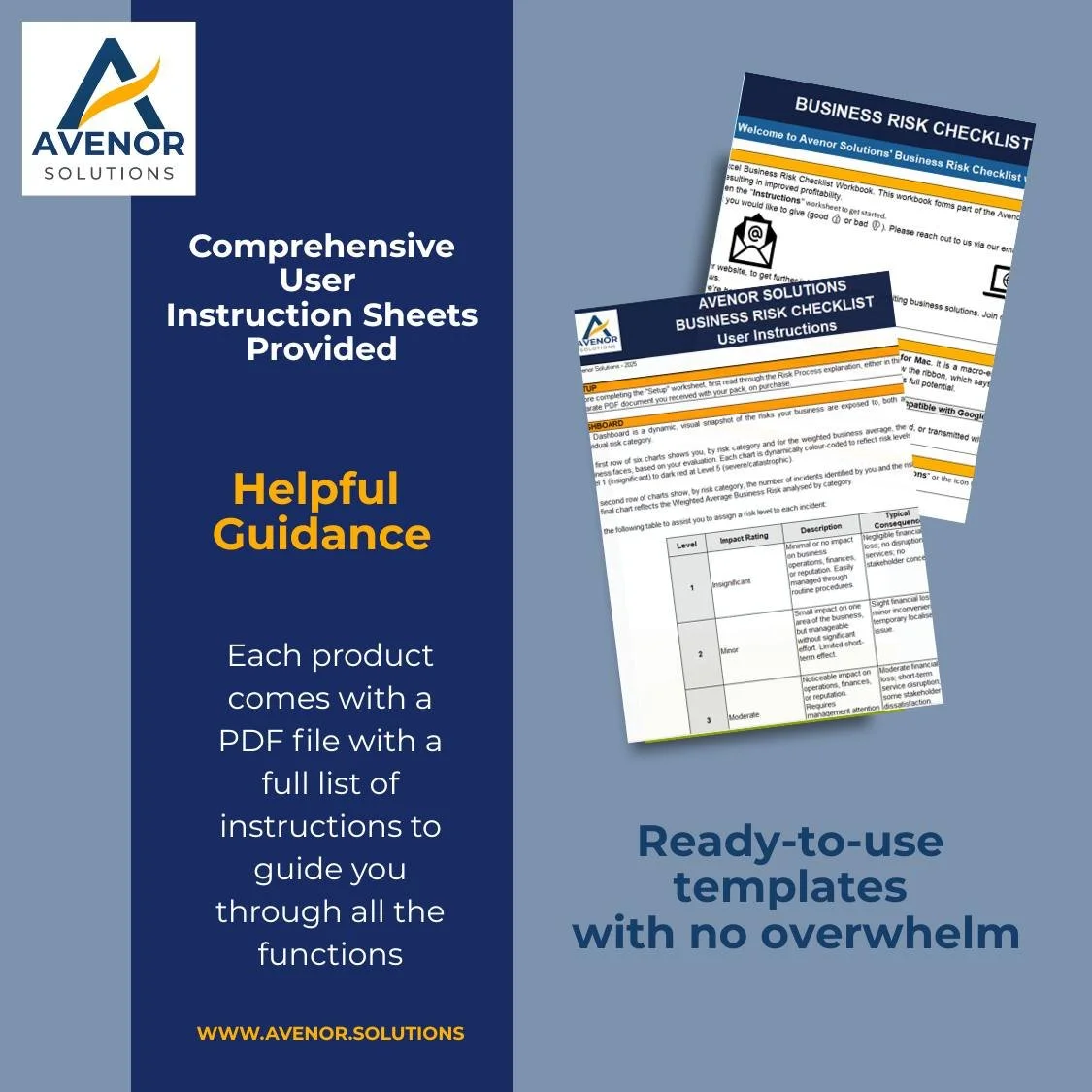
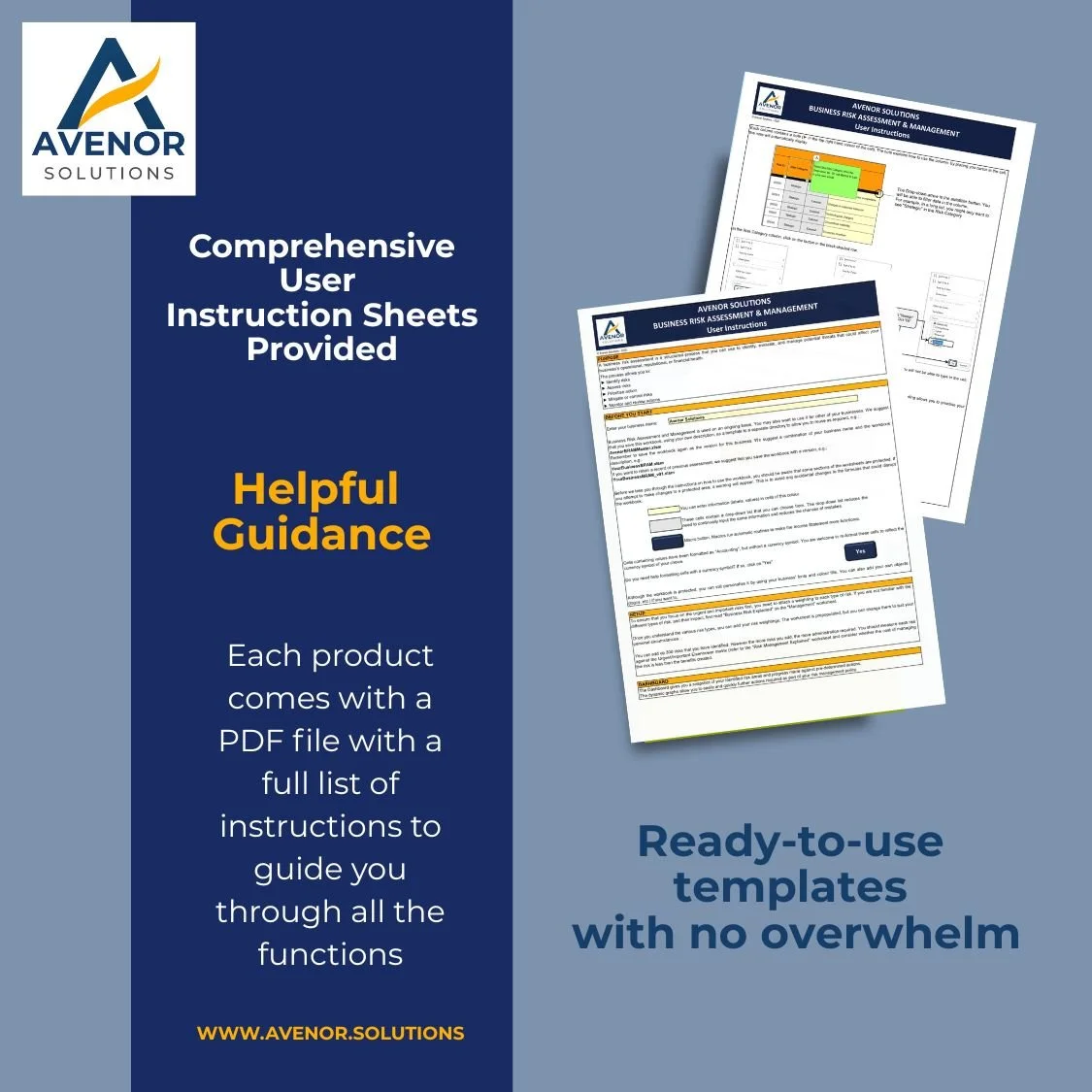
Comprehensive user instructions – you receive a full explanation of the purpose of the SWOT analysis, the process to be followed and actions to take on completion
Easy branding: Replace the logos/images on Analysis and Explained sheets in a guided flow so deliverables match your brand.
Coloured-coded columns on Analysis sheet clearly categorise Strengths, Weaknesses, Opportunities and Threat, helping you spot issues at a glance.
Colour-code list of 120 examples - strengths, weaknesses, opportunities and threats to kickstart your analysis process.
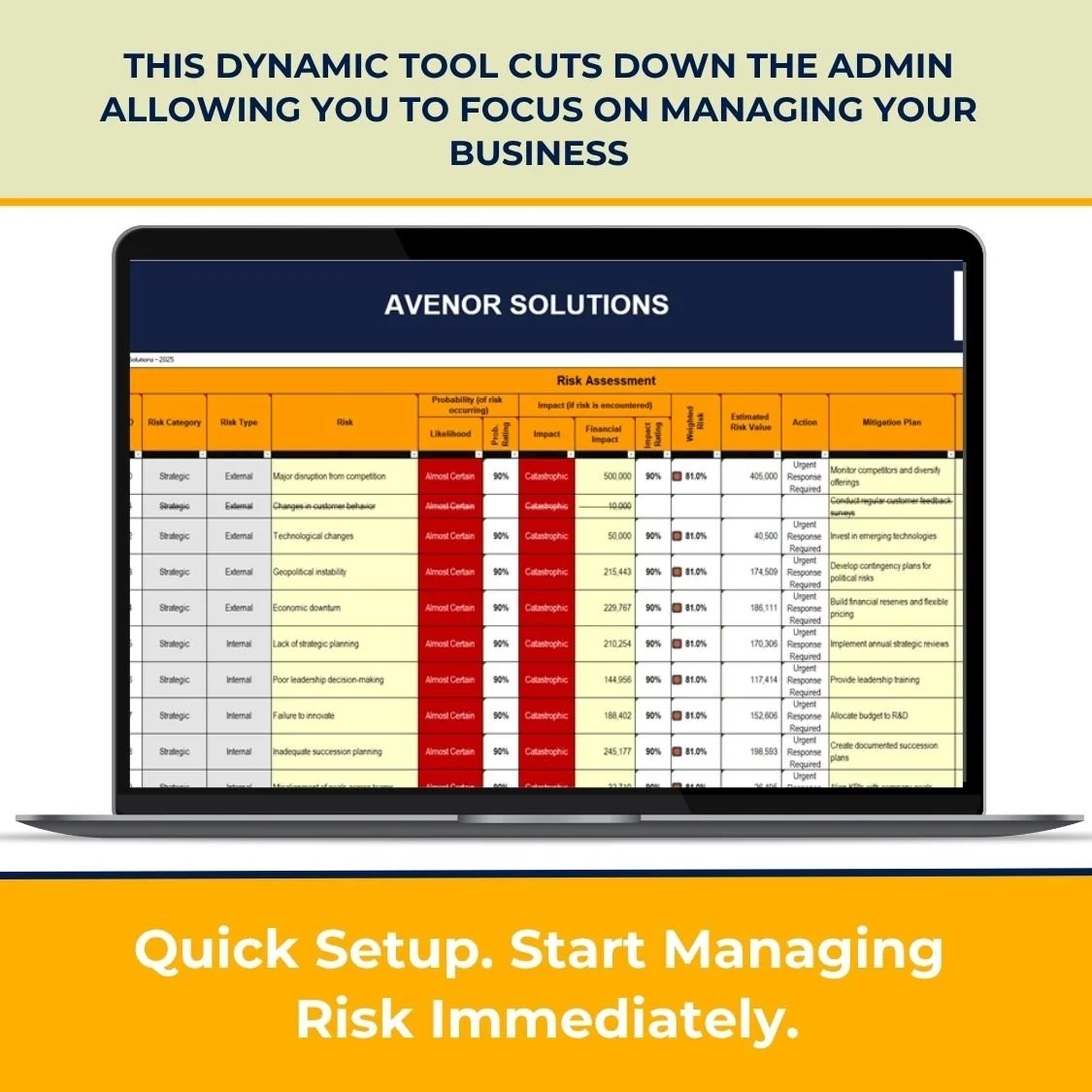
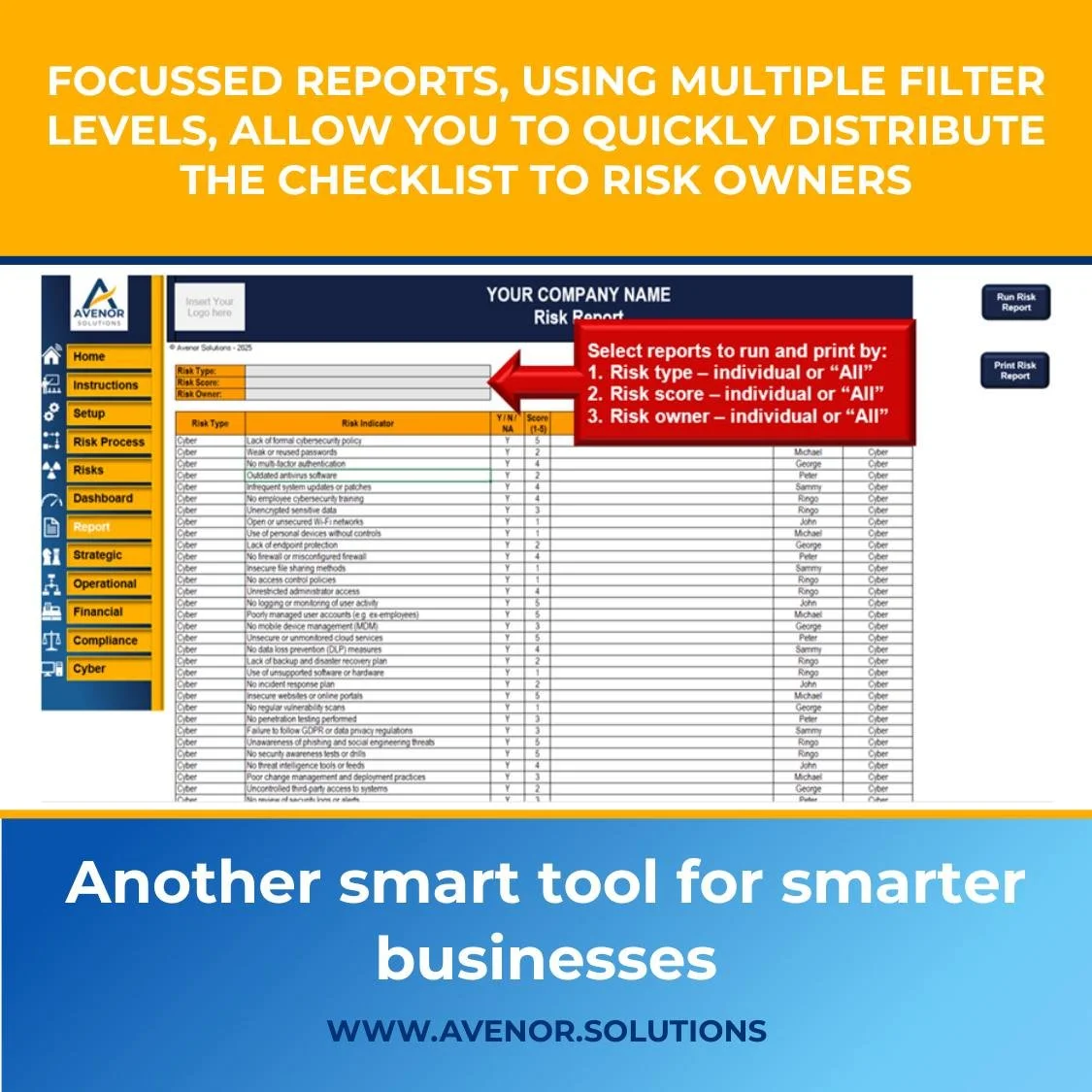
Instant PDF exports: One-click exports of the Dashboard, the Risk Assessment table and Risk Mitigation Report, filtered based on selection criteria, to timestamped PDFs, with a user-selected folder.
Guided startup: On open, the file lands users on Home.
WHO IT IS FOR:
Consultants, accountants, compliance leads, project managers, SMEs, and teams who need clear risk visuals and client-ready outputs without learning a new app.
KEY FEATURES & BENEFITS:
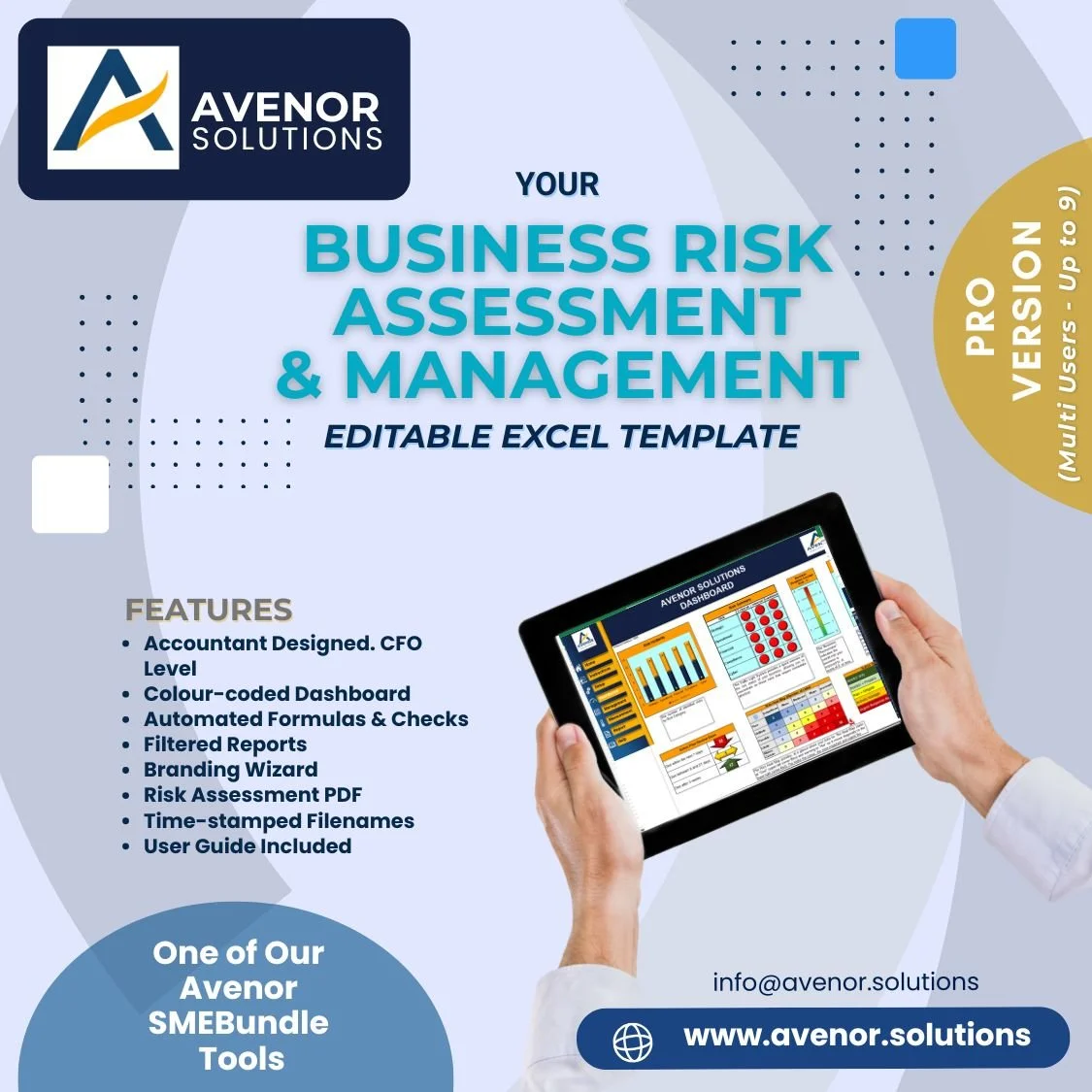
Color-coded dashboard: Dynamic charts, tables and “Traffic Lights” auto-recolour on data change or recalculations, providing fast status visibility.
Filtered Reports: Prints reports for only selected ranges, irrespective of how the print setup changes (in Excel, the print range is static).
Branding Wizard: Prompts you to pick replacement images and anchors them (cell-fitted, centred, aspect-locked) with protection handled for you.
User-first open behaviour: Auto-navigates to Home.
Time-stamped filenames
DESCRIPTION:
The Avenor SWOT Template - a professional tool that simplifies strategic planning for SMEs & consultants. Identify & prioritise Strengths, Weaknesses, Opportunities & Threats. Export a clear, time-stamped PDF report in one click. Built by a qualified accountant with 45+ years of experience, this tool is designed for clarity, efficiency, and SME success.
WHAT IT DOES:
Comprehensive user instructions – you receive a full explanation of the purpose of the SWOT analysis, the process to be followed and actions to take on completion
Easy branding: Replace the logos/images on Analysis and Explained sheets in a guided flow so deliverables match your brand.
Coloured-coded columns on Analysis sheet clearly categorise Strengths, Weaknesses, Opportunities and Threat, helping you spot issues at a glance.
Colour-code list of 120 examples - strengths, weaknesses, opportunities and threats to kickstart your analysis process.
Instant PDF exports: One-click exports of the Dashboard, the Risk Assessment table and Risk Mitigation Report, filtered based on selection criteria, to timestamped PDFs, with a user-selected folder.
Guided startup: On open, the file lands users on Home.
WHO IT IS FOR:
Consultants, accountants, compliance leads, project managers, SMEs, and teams who need clear risk visuals and client-ready outputs without learning a new app.
KEY FEATURES & BENEFITS:
Color-coded dashboard: Dynamic charts, tables and “Traffic Lights” auto-recolour on data change or recalculations, providing fast status visibility.
Filtered Reports: Prints reports for only selected ranges, irrespective of how the print setup changes (in Excel, the print range is static).
Branding Wizard: Prompts you to pick replacement images and anchors them (cell-fitted, centred, aspect-locked) with protection handled for you.
User-first open behaviour: Auto-navigates to Home.
Time-stamped filenames
WHAT IS INCLUDED:
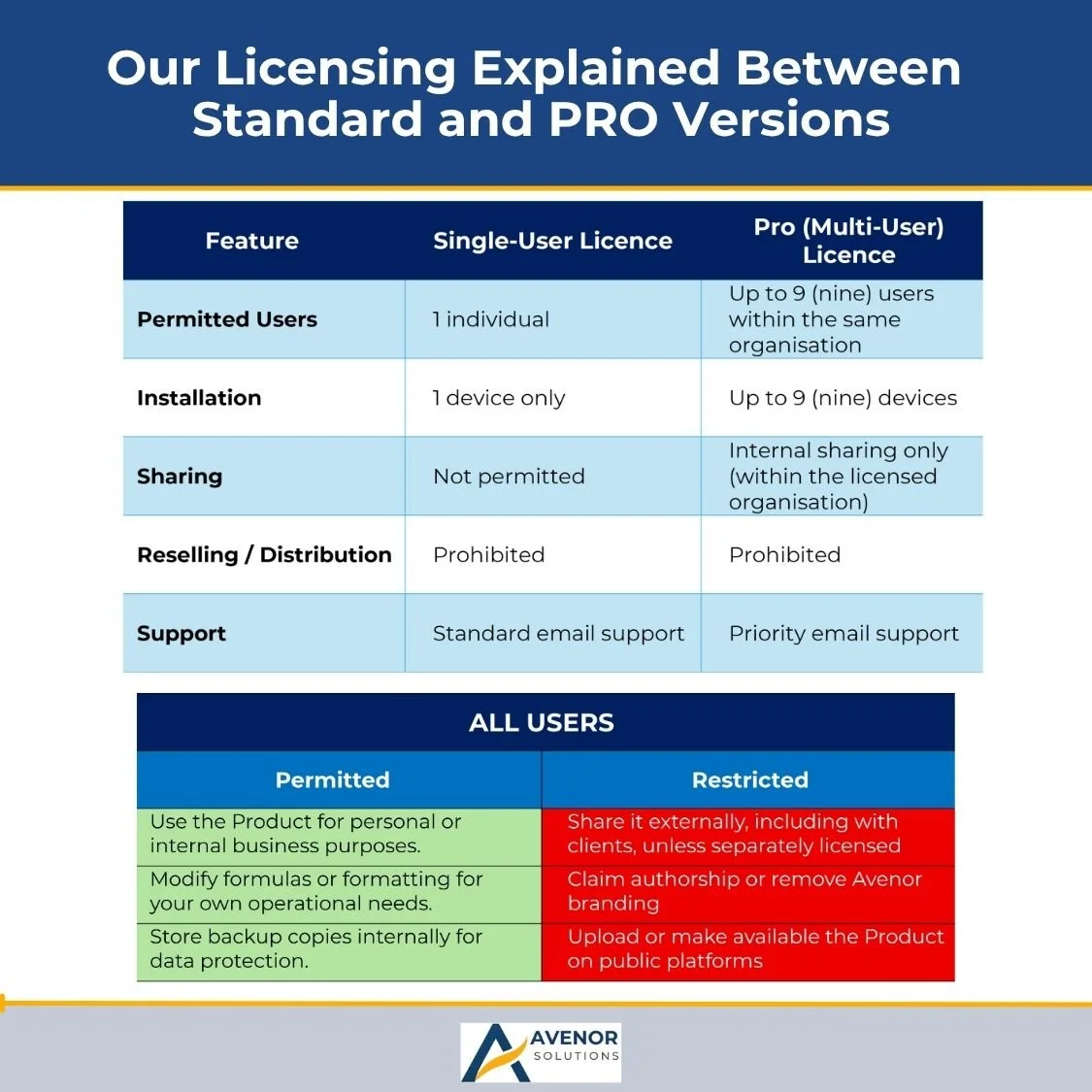
Multi-user licence to load on your computer/tablet/laptop. 9 activations included (£9.99 per activation!)
1× Excel workbook (.xlsm) - Avenor Business Risk Assessment & Management Template
Quick Start PDF - setup, branding, and export steps (you can paste the “How to Use” below into your help PDF)
Business Risks Explained PDF – a quick user guide explaining risk and risk mitigation
REQUIREMENTS:
Microsoft Excel for Windows or Excel for Mac (Microsoft 365 recommended) with macros enabled (.xlsm).
The Workbook will NOT run in Google Sheets, which are not compatible with Excel macros and links.
Permission to run macros on first open.
Optional: your logo/image files (PNG/JPG) for branding.
WHAT MAKES IT DIFFERENT?
Macro-driven workbook
Purpose-built, zero-setup branding (no fiddling with object locks and protection).
Clean export logic that respects your existing filters and resets gracefully.
DOWNLOAD RULES & POLICY:
* Instant Access: This is a digital download; no physical product will be shipped. After purchase, you’ll receive immediate access to your files via Etsy.
* Non-Refundable: Due to the digital nature of our products, all sales are final and non-refundable. Once a file has been purchased and delivered, it cannot be returned or exchanged.
* Terms of Use: This template is licensed as a Single-User product. Redistribution, reselling, or sharing is not permitted.
Support: If you experience any issues accessing your files, please message us; we’ll be happy to help; www.avenor.solutions or email us on info@avenor.solutions
N.B. Squarespace has a 24-hour time limit to download your digital files. However, we can send you an external link should you fail to do so.